Office icons are a powerful design tool, offering visual cues and context that can help bring life to a project. They are symbols used to represent various objects and concepts found in the workplace, from file folders to company logos.
The purpose of office icons is two-fold: they offer visual representation of objects or concepts while also providing context. This helps users understand the purpose of each section on a page or app more quickly, enhancing their overall experience with the design. In addition, office icons can add an extra layer of sophistication and professionalism to any design project.
There are a variety of different types of office icons available, ranging from those featuring common workplace items such as pencils and paper clips, to those depicting activities such as meetings or brainstorming sessions. Designers can download png icons and they can also use custom office icon designs for more unique projects. Office icons can be used in many ways in design projects; for example, they can be used to illustrate features of a website or app, provide visual clues about functions within an interface such as buttons or menus, or simply add interest and appeal to graphics or visuals.
When choosing an office icon for your project it’s important to take into account both its aesthetic appeal and relevance to the overall message you’re trying to convey. It should fit seamlessly into your design while still conveying its intended meaning clearly; too much detail may make it difficult for users to understand what it represents quickly enough.When using multiple office icons in one location be sure they all relate back directly back to the subject matter at hand so users can easily identify their purpose without confusion.
Incorporating carefully chosen office icons into designs with consideration helps ensure your end product will look polished while providing context and understanding that enhances user experience overall.
Office icons are an integral part of design, providing a visual means to communicate information and improve the user experience. It is essential for designers to select office icons with both functionality and aesthetics in mind. Icons should be recognizable and easily interpreted by users – while also matching the overall aesthetic of the project – with sufficient variety to distinguish between different types of content quickly.
A popular application of office icons is for interactive interfaces which allow users to complete tasks or access additional information from a single click. They provide more than just visual appeal, acting as navigational cues that guide users through their journey. Furthermore, they can be used to signify brand values or mission statements, creating trust between customers and companies alike.
In addition, office icons can be employed as navigation elements within websites or mobile apps, making navigating quicker and easier than before without compromising on efficiency. Finally, they are excellent for adding visual interest to text-heavy documents such as whitepapers or tutorials; breaking up large blocks of text into more manageable chunks while still providing cues about new concepts or ideas within them.
When using office icons in design projects it's important to remember that less is more: too many may overwhelm users visually while not enough might leave them confused about what each icon represents exactly – so choose wisely!
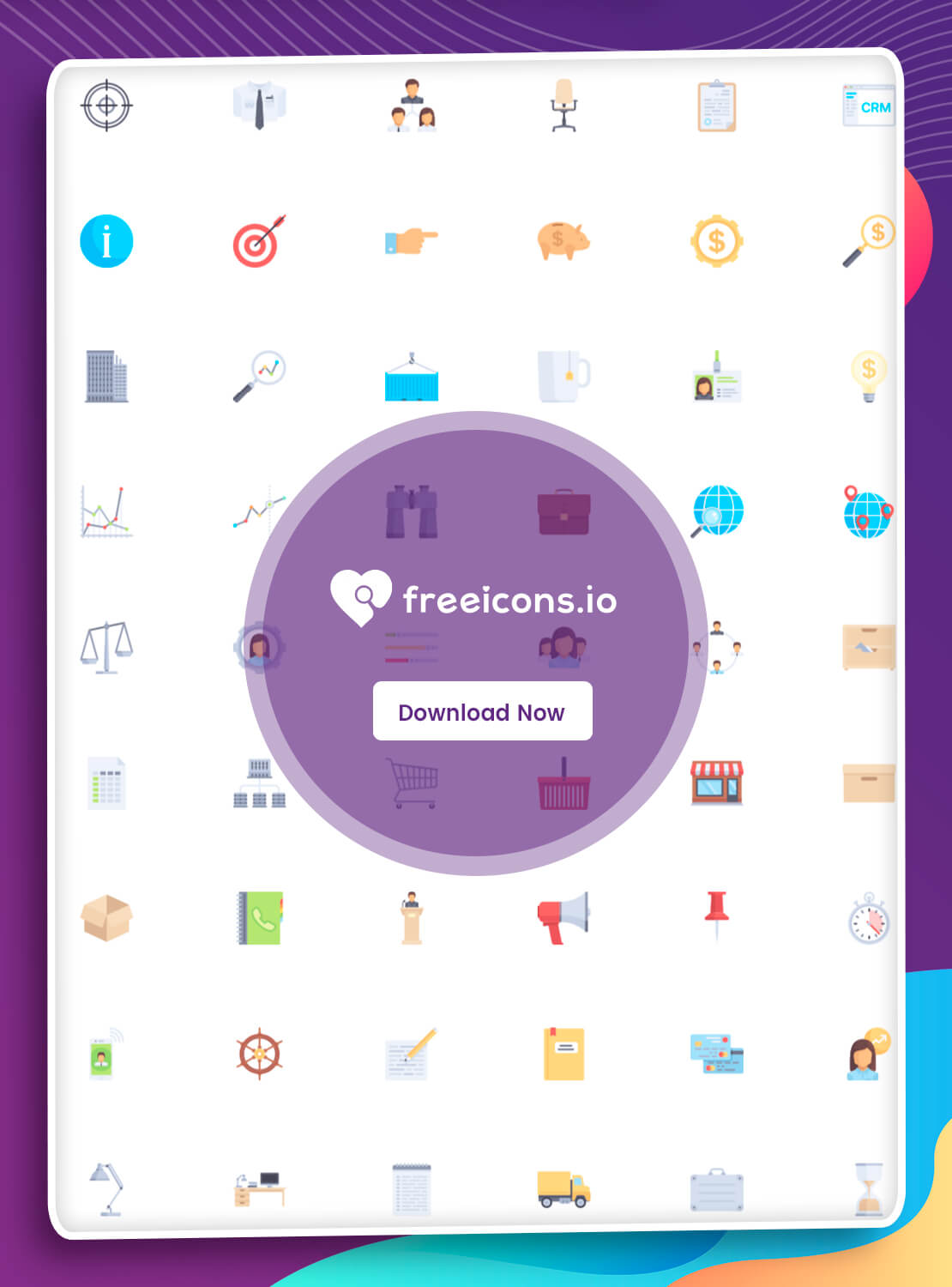
Choosing the right office icon for your project is an important part of any design. It requires taking into account size, placement, and colors that will work with the design, as well as selecting a visually-appealing and understandable icon. Copyright-free icons are also essential to ensure you don’t run into any legal issues.
When it comes to size, consider the context in which your design will be used. If it’s for digital interfaces, you’ll want to make sure you have larger icons so they are easy to read on all types of devices. If smaller icons are needed for print documents, make sure they are still large enough to be recognizable at a glance. Placement is also key when selecting icons - if there are other elements on the page, position them so that they don’t take away from or obstruct texts or other visuals.
The colors used in an office icon should match the overall color scheme of your design project, as well as being easy on the eyes when viewed by users. Additionally, make sure that any icons used are copyright-free and properly attributed if necessary; this will ensure that there won't be any legal issues with using them in your project.
Finally, it can be helpful to test out different versions of an icon before settling on one for a design project. This can help identify which version works best with your particular project and show you how it looks in various contexts before deciding which one is most appropriate. It can also provide valuable feedback regarding how users interact with a given set of office icons so you can refine them accordingly before implementation.
In conclusion, office icons provide an engaging way for designers to communicate messages through visuals while also enhancing user experience. When used correctly, they can create a more seamless digital interaction that leads to better customer satisfaction scores. Ultimately, using office icons thoughtfully will help strengthen the brand’s message while increasing customer engagement.